How it works
A full safety walk from your pocket
Six steps from walking the site to a signed report the GC can file. You stay the competent person — SafetyWalk does the legwork.
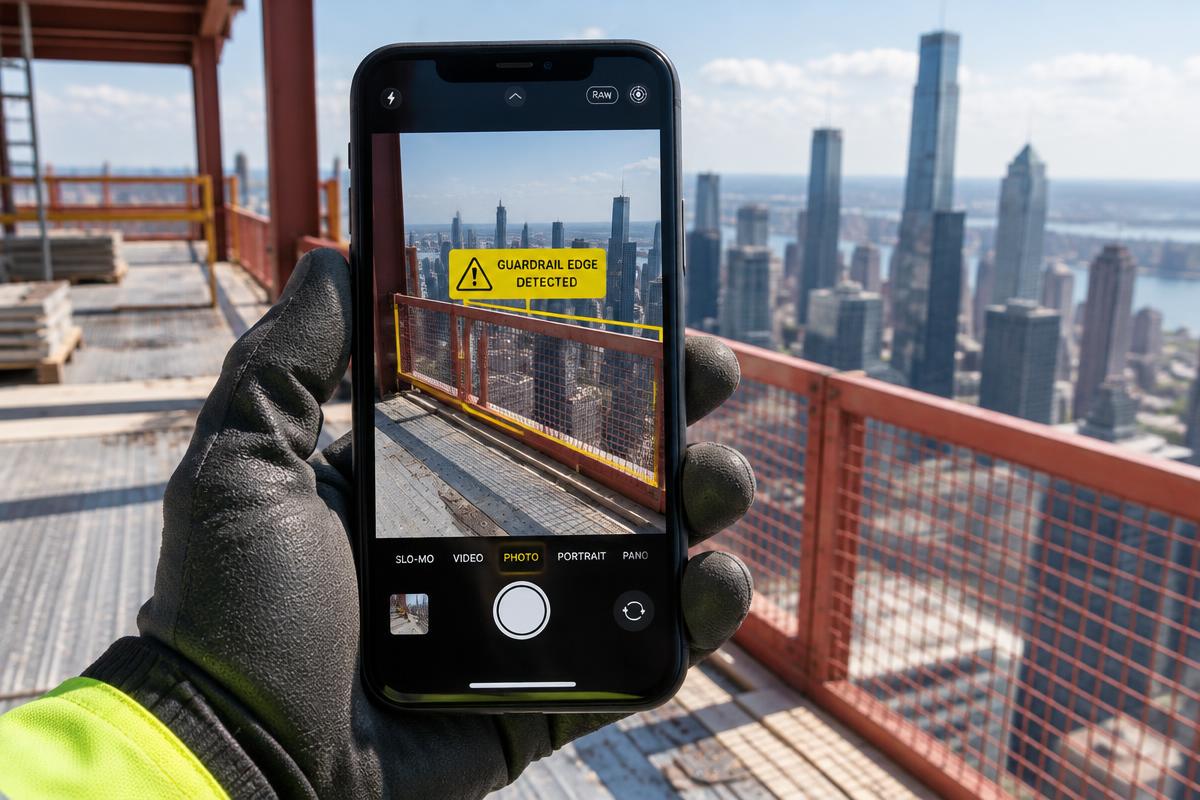
1. Start a walk
Pick the project, area or floor and the work type — high-rise, trench, highway, residential and more. Recording is video only, no audio.
2. Live detection
As you walk, the phone boxes PPE issues like missing hard hats and vests in real time, right on the camera view. It runs on the phone itself.
3. Scan anything suspicious
Tap Scan for a full AI check of the scene: fall edges, ladders, scaffolds, electrical, trenches, staging, cranes, housekeeping and more, with a suggested OSHA 1926 reference for each.
4. Review every event
Replay the walk with boxes over the video. Confirm or dismiss each suggestion, add priority, corrective action and remedy time frame. Only what you confirm becomes a finding.
5. Send fixes
Assign each finding to a team member or send a no-account link to the trade responsible. They upload a photo of the fix, and you verify or send it back.
6. Sign and export
Sign on the screen, then export a co-branded PDF with photos, action plan, due dates and timestamped signatures — or the whole project as a ZIP.
SafetyWalk assists a competent person. It never declares an area safe or compliant, and it does not identify individuals.
Run your first safety walk today
14-day free trial. No card needed.