Jobsite safety audit app
Jobsite safety audits from your phone
Big buttons, high contrast and fast scans made for superintendents and safety pros working in gloves, sun and noise.
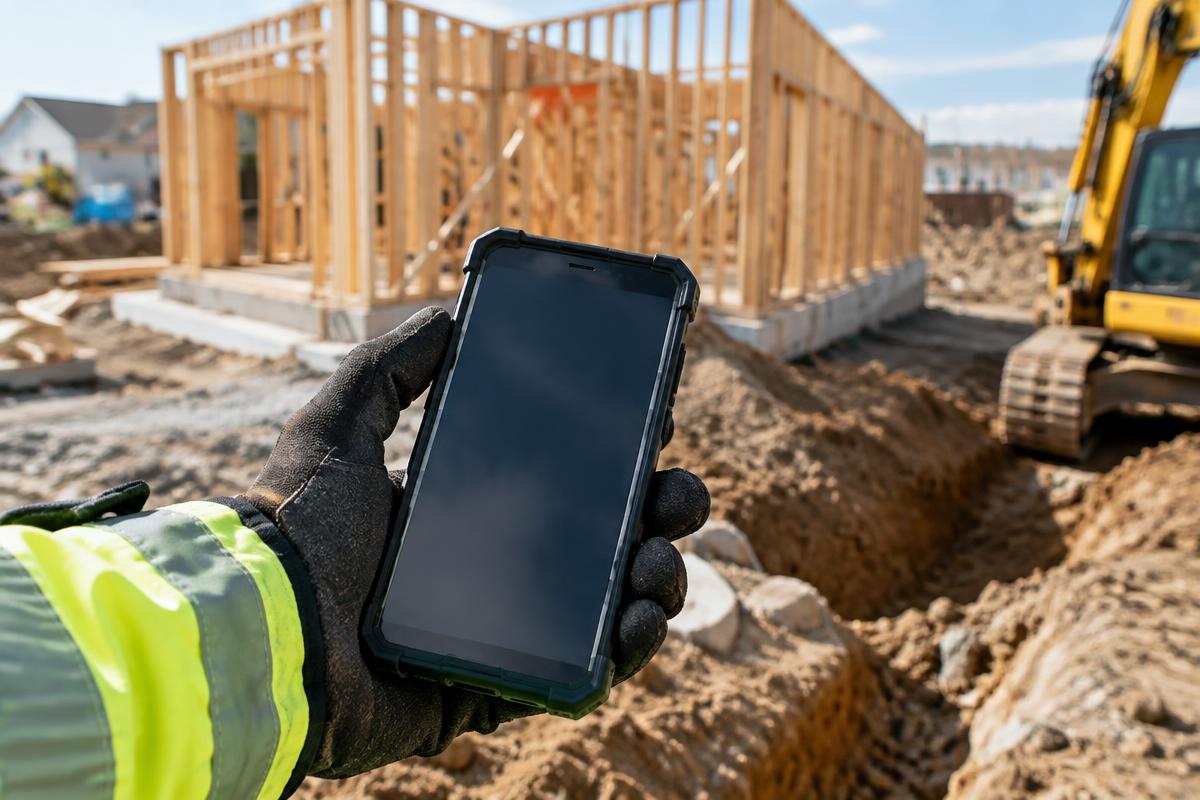
Audit any site, any size
Pick a work type — general site, high-rise, residential, staging and cranes, trench, highway, bridge, electrical or health and environmental — and SafetyWalk's scans look hardest for that job's hazards first, while still checking the whole scene.
Walk recording
Video-only recording with AI events you can replay and confirm later.
Mark anything
Tap Mark to capture a hazard you spot yourself.
Review queue
Confirm or dismiss each AI suggestion before it's reported.
Area & floor details
Log job, floor, zone, weather and trades on site.
HUD mode
A minimal heads-up view for hands-busy walks.
GC-ready notes
AI-drafted notes for the GC, printed only after you approve.
The old way vs. SafetyWalk
Questions
What's included in a SafetyWalk audit report?
Project and area details, priority-sorted findings with photos, suggested references, corrective actions, due dates, an action plan and signatures.
Do I need special hardware?
No. A modern phone or tablet with a camera is enough.
Does it record audio?
No. Walk recording is video-only, and SafetyWalk never identifies individuals.
Can my whole team use it?
Yes. The Team plan includes 10 users and unlimited projects.
Related: Construction safety software · OSHA inspection app · Subcontractor safety management
Run your first safety walk today
14-day free trial. No card needed.