Subcontractor safety management
Get subs to fix hazards — and prove it
Send each trade a secure fix link with the hazard photo. They upload proof from their phone; you verify or send it back.
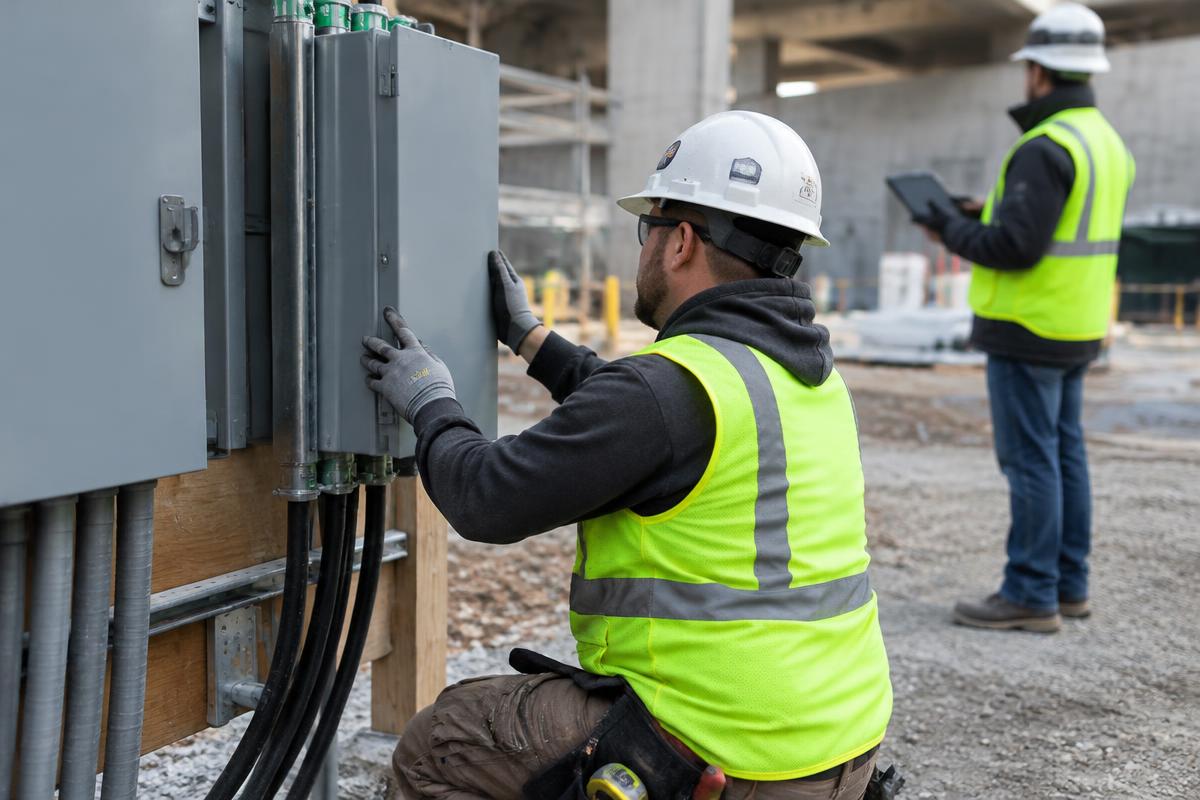
Accountability without the chase
Fix requests go to a project member in the app or to anyone by a private link. The trade sees only that one fix, uploads a proof photo, and the whole exchange lands in your project record.
No-account fix links
Trades open one link, see one fix and upload proof — nothing else is exposed.
Photo proof
Before and after photos side by side on the report.
Verify or send back
Approve the fix or return it with a note.
Project roles
Leads, inspectors, subcontractors and viewers only see their projects.
Fix-proof PDF
Export every correction for owners and insurers.
Due dates
Each fix carries a time frame based on priority.
The old way vs. SafetyWalk
Questions
Do subcontractors need to pay or sign up?
No. External trades use a private fix link. Team members can also see their fixes in the app.
How secure are fix links?
Each link is a long random code stored only as a hash, scoped to a single fix, and expires after 30 days.
Can I export fix history?
Yes. Download a co-branded fix-proof PDF or the full project record.
Which plan includes fix requests?
Fix requests are available on the free trial and all paid plans.
Related: Construction safety software · OSHA inspection app · Jobsite safety audit app
Run your first safety walk today
14-day free trial. No card needed.